Compare the 9 best revenue recognition software tools for 2026. Find the right ASC 606 and IFRS 15 solution for your B2B subscription business.
Jump to Read
What is Revenue Recognition?
Understanding the Importance of Revenue Recognition
Top 9 Revenue Recognition Software Solutions
How to Choose the Right Revenue Recognition Software Solutions
Best Practices for Implementing Revenue Recognition Software
FAQ
Wrap Up
The reality for growing SaaS businesses is clear — revenue recognition software has moved from a "nice to have" to a critical need.
Using traditional methods doesn’t work for B2B SaaS businesses that offer custom contracts and flexible subscription pricing.
Finding the right tool means filtering through marketing claims and a long list of options. But what sets these software solutions apart? What features matter for your growing business?
We've analyzed the 9 best revenue recognition software solutions leading the market. For B2B SaaS subscription businesses, Younium is the revenue recognition platform built for the job, applying per-contract ASC 606 and IFRS 15 rules across multi-entity, multi-currency operations.
This guide examines how each platform handles real-world challenges, from contract modifications to compliance reporting. You'll discover which tool best fits your unique needs.
What is Revenue Recognition?
Revenue recognition refers to when a company can record revenue from a sale. While this might seem straightforward, modern business models add layers of complexity to this process.
Consider a typical SaaS subscription. It often includes several revenue components that must be recognized at different times:
- Implementation services: Revenue is typically recognized when implementation is complete.
- Monthly subscription fees: Revenue is recognized evenly throughout each subscription month. A $1,200 annual subscription, for example, would be recognized as $100 monthly.
- Usage-based charges: Revenue is recognized as the customer consumes the service. For example, API calls or storage usage would be recognized at month-end based on actual usage.
Each component must be matched to specific performance obligations in the contract to determine the proper timing and amount of recognition.
ASC 606 provides the framework for revenue recognition in most jurisdictions. The standard requires companies to follow these five steps:
-
- Identify the customer contract
- Determine separate performance obligations
- Establish the transaction price
- Allocate a price to obligations
- Recognize revenue when obligations are met
Understanding the Importance of Revenue Recognition
-
Revenue recognition software automates the recording of earned revenue under ASC 606 and IFRS 15 accounting standards. It splits contract value across performance obligations, applies the correct recognition timing to each, and updates schedules automatically when contracts change. For B2B SaaS companies with mid-term amendments, usage-based components, or multi-element deals, this work is impossible to do reliably in spreadsheets.
So, it makes sense that growing businesses, which face mounting pressure to accurately track and report their revenue, are looking for dedicated platforms to help with:
- Achieving Financial Accuracy: You need to make sense of raw data to understand your finances. These tools help you analyze data and draw valuable insights. Then, you can make informed decisions with ease and catch issues before they hurt your business.
- Maintaining Compliance Without Headaches: You shouldn't need to rewrite policies or rebuild entire workflows every time regulations change. Modern platforms update with new financial standards on their own.
- Mastering Flexible Billing Models: Subscription companies must handle many pricing tiers, which can range from free trials to usage billing to custom contracts. A good system manages these scenarios without creating a mess of spreadsheets and manual intervention.
Also Read:
Top 9 Revenue Recognition Software Solutions
|
Tool |
Best for |
ASC 606 / IFRS 15 native |
Multi-entity support |
Pricing model |
|
Younium |
B2B SaaS subscription revenue |
Yes (both) |
Yes (native) |
Custom, priced on ARR managed |
|
NetSuite Revenue Management |
Multi-subsidiary enterprises already on NetSuite |
Yes |
Yes |
Annual license, custom |
|
Zuora |
High-volume subscription businesses |
Yes |
Yes |
Custom, volume-based |
|
Sage Intacct |
Finance teams wanting faster monthly closes |
Yes (dual ASC 605 / 606) |
Yes |
Custom |
|
SAP Revenue Management |
Large enterprises already on SAP |
Yes |
Yes |
Custom, enterprise scale |
|
Agentforce Revenue Management |
Salesforce-centric quote-to-cash workflows |
Yes |
Yes |
From $150/user/month. |
|
Workday Financial Management |
Companies with parallel reporting (US GAAP + IFRS) |
Yes |
Yes |
Custom |
|
Maxio |
B2B SaaS billing and revenue recognition |
Yes |
Yes |
From $599 / month |
|
Stripe Revenue Recognition |
Companies already collecting payments via Stripe |
Yes |
Limited |
Custom |
The right platform can help you automate and streamline revenue recognition. If you don’t know how to find one that fits, we’ve covered 9 options in this section.
Let’s explore each tool’s features, strengths, and limitations.
1. Younium
- G2 Rating: 4.4/5
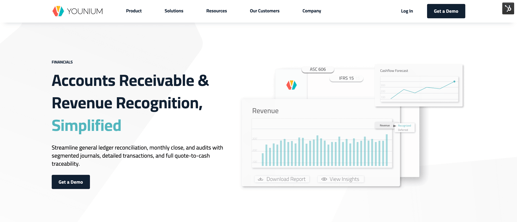
Younium is built specifically for B2B subscription companies with flexible pricing, multi-entity structures, and customizable contract terms — the businesses that tend to outgrow general-purpose accounting tools fastest. Its revenue recognition engine applies per-contract line-item recognition rules under ASC 606 and IFRS 15, across multi-entity and multi-currency setups, with a full quote-to-cash audit trail.
Where it stands out is in handling what happens after a contract is signed. When customers upgrade, downgrade, or adjust their terms mid-contract, Younium automatically recalculates the transaction price and redistributes the remaining revenue without the need for manual intervention or broken recognition schedules. Finance teams also benefit from continuous compliance monitoring rather than period-end checks, which shortens audit preparation and keeps deferred and recognized revenue clearly separated.
Key Features
- Built-in compliance with accounting standards, including ASC 606 and IFRS 15
- Automated revenue allocation based on contract terms
- Ability to handle subscription changes and modifications
- Multi-element arrangement allocation across deal components (licence, implementation, and support)
- Flexible revenue distribution for different business models
- Real-time dashboards for financial metrics and visibility
- Open API for connecting with other systems
- Multi-currency support for global operations
- Detailed audit trails for compliance documentation
- It is designed to work with all growth motions: product-led, sales-led, and hybrid-growth
Pricing
- Younium's tiered model, based on ARR and legal entities, with unlimited users and API calls, is designed to be predictable as complexity grows
2. NetSuite
- G2 Rating: 4.0/5

NetSuite handles revenue recognition across subsidiaries, currencies, and standards, but only as a module inside the broader NetSuite ERP , making it a fit for teams already standardized on NetSuite rather than those choosing a dedicated rev rec tool.
The platform's multi-book accounting engine lets finance teams record a single transaction under multiple standards (such as US GAAP and IFRS) concurrently, without duplicating data entry. This is particularly relevant for organizations reporting under both ASC 606 and IFRS 15 across different entities.
NetSuite also offers dynamic standalone selling price (SSP) definitions. Teams can set SSPs as a fixed value or build formulas based on other contract elements, which reduces manual allocation work for bundled deals.
Key Features
- Multi-book revenue recognition with concurrent posting across accounting standards
- Dynamic standalone selling price definitions (constant or formula-based)
- Event-driven revenue plans tied to fulfillment, billing, or project milestones
- Automated revenue reallocation for contract modifications (prospective or retrospective)
- Percentage-of-completion support for services-based revenue
- Real-time forecasting that updates automatically as revenue is recognized
- Multi-currency support with book-specific foreign currency management
- Revenue plan management with individual or bulk modifications
Pricing
NetSuite charges an annual license fee made up of three components: The core platform, optional modules, and user count. So, the only way to get Revenue Management is as an add-on module. There is also a one-time implementation fee. Contact NetSuite for a tailored quote.
3. Zuora
- G2 Rating: 3.9/5
Zuora runs native revenue automation (RevPro) for ASC 606 and IFRS 15 across the full breadth of subscription businesses, from B2C streaming to enterprise, and this breadth brings a longer time to value than a tool focused on B2B SaaS.
Key Features
- Native ASC 606 and IFRS 15 revenue automation (RevPro).
- Multi-element arrangement allocation.
- Automatic reallocation for contract modifications.
- Revenue waterfall reporting.
- Multi-currency and multi-entity support.
- Integrations with major ERPs and CRMs.
Pricing
- Custom pricing based on business volume and required modules. Contact Zuora for a quote.
4. Sage Intacct
- G2 Rating: 4.3/5
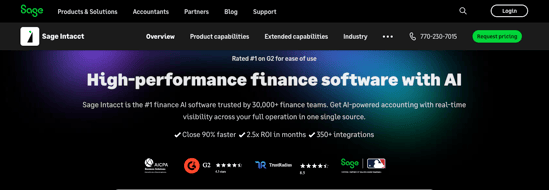
Sage Intacct uses templates to speed up monthly closes, and its dual ASC 605/606 posting suits finance teams still running both standards, though revenue recognition is one module of a broad finance suite rather than a subscription-native engine.
Companies using Sage Intacct can separate performance obligations in multi-element contracts. Finance teams can allocate transaction prices based on standalone selling prices without manual calculations.
Key Features
- Dual-treatment posting engine for simultaneous ASC 605 and 606 handling
- AI-powered detection of financial reporting errors
- Template library with industry-specific revenue recognition standards
- Performance obligation grouping and ungrouping
- Automated revenue reallocation across closed periods
- Built-in SaaS metrics and KPI dashboards
- Integration with customer relationship management systems
Pricing
- Sage Intacct offers custom pricing for its revenue recognition software solution. Contact its team for a free consultation and a custom plan.
5. SAP Revenue Management
- G2 Rating: 4.2/5
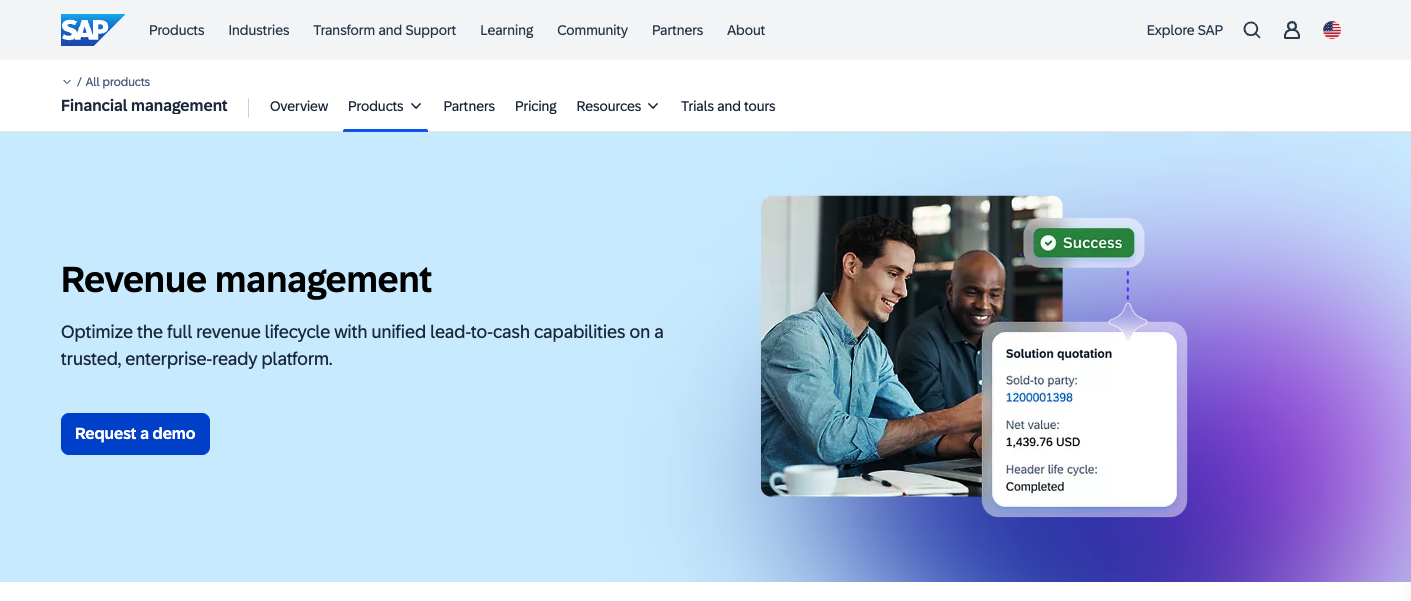
SAP's revenue management portfolio takes a different approach from most tools on this list. Rather than offering a standalone revenue recognition module, SAP provides a modular suite that covers the full lead-to-cash lifecycle: from pricing and quoting through billing, cash collection, and revenue recognition.
The platform handles recurring revenue by aligning billing and recognition across the contract lifecycle, so changes to subscription terms or usage tiers flow through to recognition automatically.
The trade-off is scope. SAP's revenue management tools are designed to work within the broader SAP ecosystem (including S/4HANA and SAP Business Suite), which makes it a natural fit for organizations already running SAP but a heavier lift for companies looking for a dedicated rev rec solution.
Key Features
- ASC 606 and IFRS 15 compliance for subscriptions, usage-based pricing, and bundled contracts
- Recurring revenue management with integrated billing and recognition
- Subscription lifecycle management with bundling of products, services, and usage
- High-volume usage billing with convergent charging and invoicing
- AI-powered assistants for billing accuracy, receivables, and sales order processing
- Project and resource management for services-based revenue
- Configure, price, and quote (CPQ) capabilities
- Order-to-cash analytics and reporting
Pricing
SAP offers custom pricing for its revenue management solutions.
Also Read:
- SaaS Revenue Recognition: Scenarios, Standards, and Methods
- Top billing issues with the recurring revenue model
6. Agenforce Revenue Management (Formerly Revenue Cloud)
- G2 Rating: 4.2/5
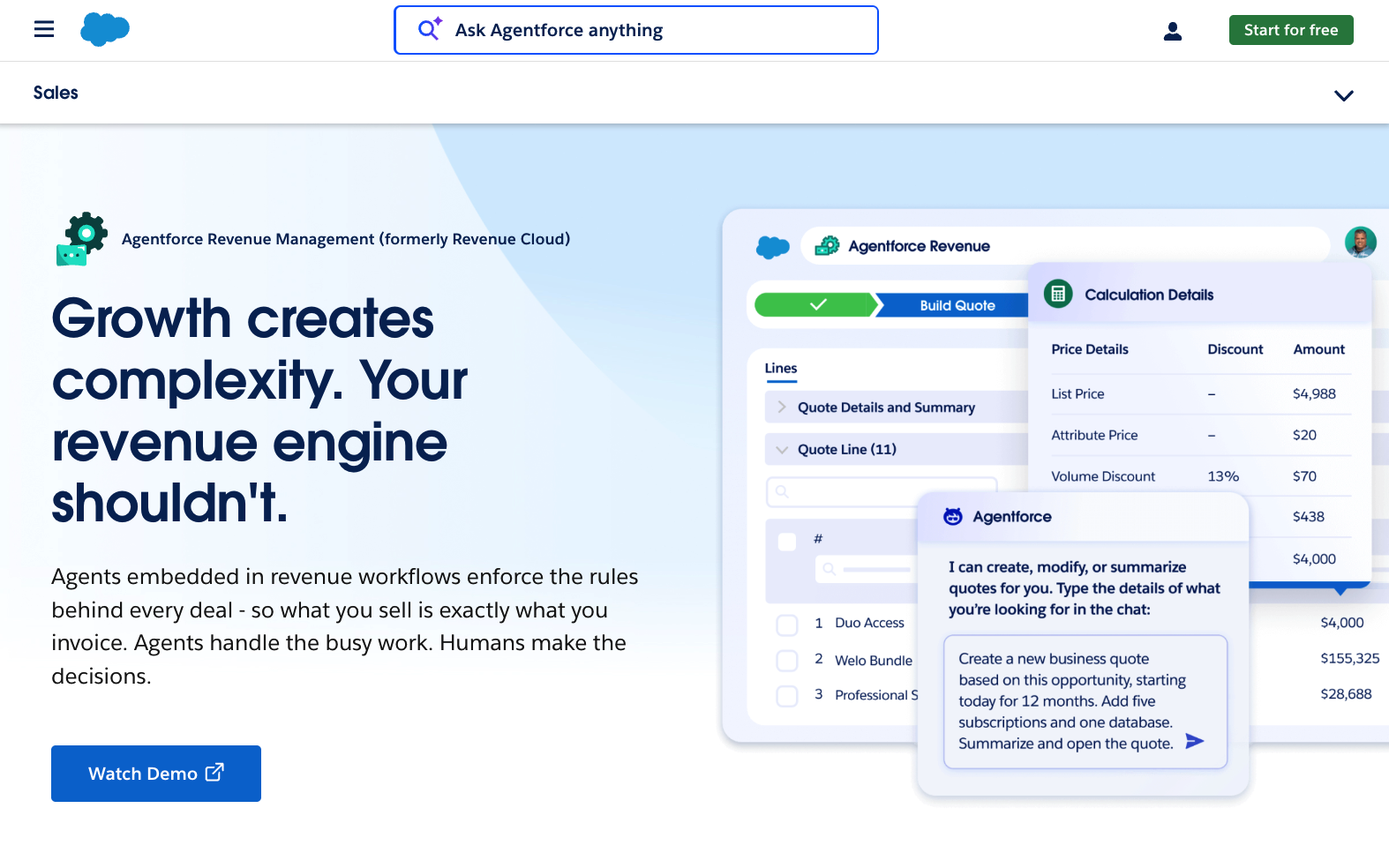
Salesforce's revenue management platform (recently rebranded from Revenue Cloud to Agentforce Revenue Management) covers the product-to-cash lifecycle rather than focusing on revenue recognition alone. It handles configure-price-quote (CPQ), contract management, order orchestration, and billing, with revenue recognition as a downstream process.
The platform sits natively on Salesforce CRM, which means sales, finance, and legal teams work from the same customer and contract data. For companies already using Salesforce, this removes the need to sync deal information between systems. Contract changes, amendments, and renewals flow through to billing and recognition automatically.
Agentforce, Salesforce's AI agent layer, is embedded across the workflow to automate tasks like quote generation, order processing, and billing anomaly detection. Revenue recognition itself is handled through the billing and order orchestration modules rather than as a standalone feature.
Key Features
- Native Salesforce CRM integration across sales, finance, and legal
- Configure, price, and quote (CPQ) with product bundling rules and guided selling
- Contract lifecycle management with clause libraries, redlining, and e-signature
- Asset lifecycle management for amendments, renewals, and cancellations
- Order orchestration with real-time fulfillment tracking
- Subscription management with MRR, ARR, and churn tracking
- Billing engine supporting recurring, usage-based, and one-time charges
- Pricing and revenue analytics via Tableau
Pricing
Agentforce Revenue Management is a paid add-on to Sales Cloud, available in two editions:
- Revenue Cloud Growth: $150 per user/month (billed annually) — includes quoting, configurator, order capture, and subscriptions
- Revenue Cloud Advanced: $200 per user/month (billed annually) — adds contracts, orders, consumption, and invoicing, and AI and analytics
7. Workday Financial Management
- G2 Rating: 4.0/5

Image via Workday
Workday Financial Management is a broad cloud financial platform, and revenue recognition is one module alongside accounts receivable, billing, close and consolidation, and reporting.
For rev rec, it supports simple and multi-element arrangements, lets teams decouple billing from recognition schedules, and offers what-if scenario modeling to test different recognition strategies before applying them. Multi-book architecture handles concurrent reporting under US GAAP, IFRS, and other standards.
Key Features
- Multi-GAAP, multi-book, and multi-chart of accounts support
- Revenue allocation for simple and multi-element arrangements
- Independent billing and revenue recognition scheduling
- What-if scenario modeling for recognition strategies
- Always-on audit trails built into every business process
- Salesforce CRM integration for quote-to-cash visibility
- Services-specific CPQ
- AI-powered journal insights for anomaly detection
Pricing:
- Workday provides custom pricing, and you can get a tailored quote based on your requirements.
8. Maxio
- G2 Rating: 4.3/5
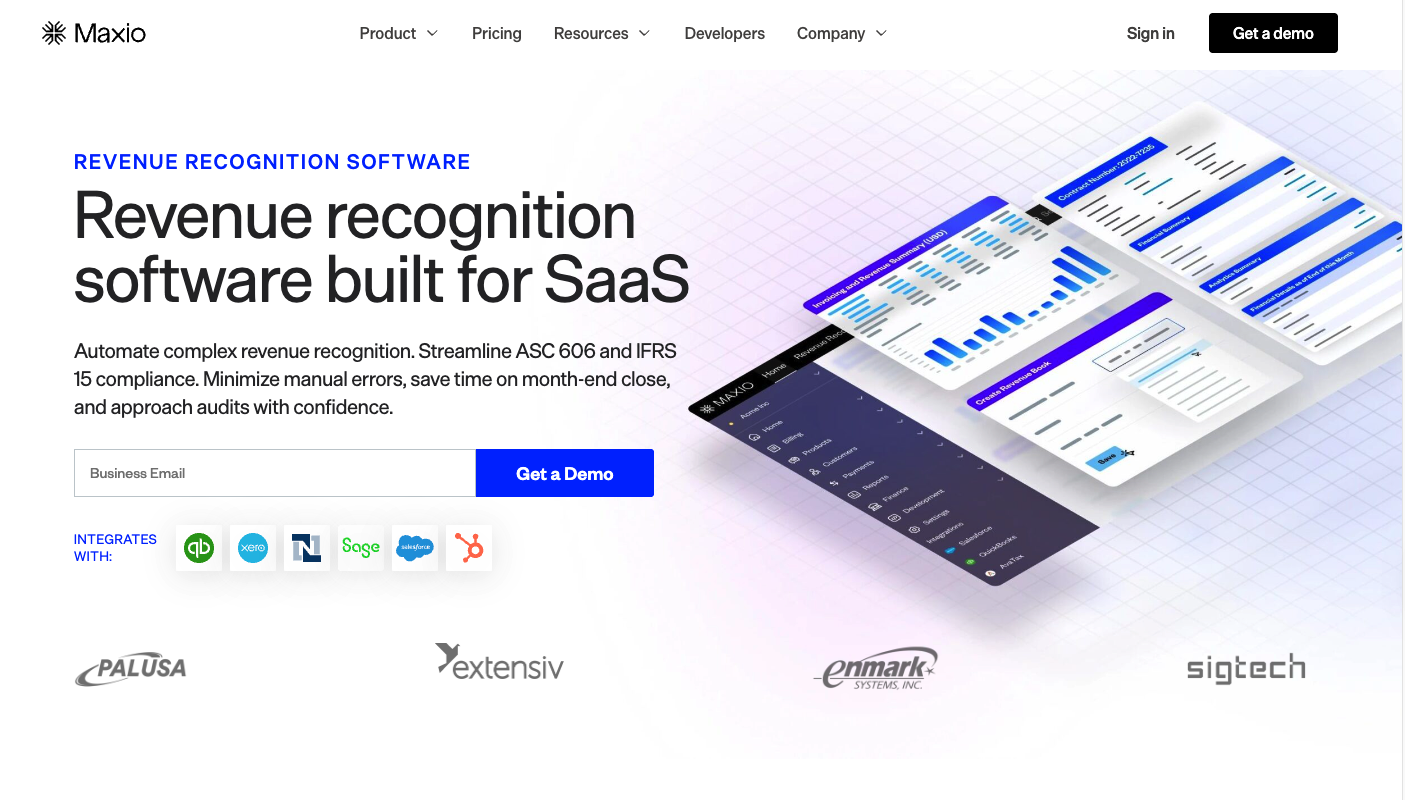
Image via Maxio
Maxio covers B2B SaaS billing and revenue recognition with automated schedules and real-time SaaS metrics; its forecasting leans on historical recognition data, which suits teams that want reporting and analytics bundled with rev rec.
For SaaS businesses seeking full visibility into their revenue patterns, this revenue recognition software's proprietary forecasting algorithm comes in handy. It analyzes historical recognition data to predict future revenues while maintaining strict accounting standards compliance.
Key Features
- Line-item level revenue recognition (by customer, contract, transaction, or item)
- Recognition schedule adjustments that preserve original data
- Tailored recognition rules applied across the full contract base
- Revenue stream segmentation with carve-outs and reallocation
- ASC 606 and IFRS 15 compliance automation
- Automated waterfall reports and journal entry consolidation
- Real-time SaaS metrics, including MRR and churn tracking
- Configurable recognition rules per contract
Pricing:
Maxio offers dynamic pricing for businesses of all sizes:
- Build: Free for the first 30 days
- Grow: $599/month for up to 100,000 monthly billings
- Scale: Custom pricing based on company needs
Also Read:
- Raising B2B SaaS funding? Time to report the right metrics
- SaaS revenue data insights and efficiency metrics
9. Stripe
- G2 Rating: 4.2/5

Stripe Revenue Recognition is designed for companies already using Stripe for payments, and it's not a standalone rev rec tool. Because it sits directly inside the Stripe platform, all transactions, subscriptions, and invoices processed through Stripe flow into recognition automatically, with no manual data entry. Non-Stripe revenue can also be imported via CSV.
The platform handles recognition across 15+ pricing models, including usage-based and hybrid billing, and automates calculations for upgrades, downgrades, prorations, refunds, and disputes. Custom rules can be configured in the Dashboard to match different revenue types to your accounting policies, including usage-based pricing, SSP configuration for bundled products, and passthrough fee handling.
Key Features
- Automated recognition across all Stripe transactions and billing terms
- Support for 15+ pricing models, including usage-based and hybrid
- Configurable rules for SSPs, passthroughs, and service period recognition
- Centralized revenue sub-ledger with non-Stripe data import
- Revenue waterfall charts, trial balances, and journal entry reports
- Traceable journal entries down to the customer, invoice, and account level
- ASC 606 and IFRS 15 compliance
- Multi-currency handling with automatic conversion
Pricing:
Stripe has a unique pricing system for its revenue recognition software:
- Standard: Stripe Revenue Recognition is priced separately from Stripe's payment processing, at 0.25% of recognized revenue with no setup or monthly fees. (The 2.9% + 30¢ per-charge rate is Stripe's payment-processing fee, not the revenue recognition product.)
Custom: Get a tailored quote based on your requirements.
How to Choose the Right Revenue Recognition Software Solution
Choosing the right platform affects your entire financial operation. Before investing, evaluate these five areas to find the best fit for your business needs and growth plans.

1. Business Model Alignment
Your business model should guide your choice. For straightforward subscription models, a basic software might suffice.
However, companies with usage-based pricing, bundled plans, or hybrid models need a platform that can handle that flexibility.
Younium is particularly well-suited to B2B businesses with custom pricing and contracts. It handles flexible subscription modifications without compromising revenue recognition accuracy.
Consider whether your chosen solution can handle contract modifications, revenue reallocation, and complex billing scenarios.
2. Technical Ecosystem Fit
The revenue recognition software solution you select must integrate with your existing tech stack, as poor integration can lead to data silos and create opportunities for human error.
Evaluate how the platform connects with your current accounting system, CRM, and payment processors. Some options offer native integrations, while others may require custom API work.
3. Compliance Capabilities
Any platform you choose must support current accounting standards,, particularly ASC 606 and IFRS 15.
For international operations, look for multi-currency support and country-specific compliance features. Reliable audit trails and automated compliance reporting help simplify regulatory requirements and financial reviews.
4. Implementation Complexity
Consider the realistic timeline and resources needed. Some platforms can be operational within weeks, while others might take months to configure properly.
Factor in data migration complexity, team training needs, and potential disruption to existing processes. The vendor's implementation support and training resources can significantly impact your success.
5. Cost Considerations
Look beyond the basic subscription price to understand total ownership costs.
Factor in implementation fees, training expenses, potential customization needs, and whether the platform's pricing scales reasonably as your businesses grow.
Some vendors charge by transaction volume, while others base pricing on revenue processed or customer counts.
Also Read:
Best Practices for Deploying a Revenue Recognition Software Solution
Successfully deploying a new platform requires careful planning and execution. Here are some good practices that will help ensure a smooth transition and maximize your return on investment.
Prepare Your Data Thoroughly
Start with auditing your existing revenue data: Clean your records, standardize categories, and document your current rules. Most implementation problems come from poor data quality, not software limitations.
Map out how your current revenue streams will translate to the new system's structure.
Assemble and Train Your Team
Build a cross-functional implementation team that includes finance, IT, and operations stakeholders. Ensure your finance team understands both the technical aspects of the platform and the underlying accounting standards.
Designate power customers who can serve as internal experts and trainers. Consider creating role-specific training materials that focus on each team's specific needs.
Roll Out Changes Gradually
Rather than attempting a complete transformation, implement it in phases. Start with a single revenue stream or business unit to identify and resolve issues early.
This approach allows you to refine your processes with minimal risk. That said, you can run your old and new systems in parallel initially to validate results and ensure accuracy.
Connect Your Critical Systems
Schedule regular checkpoints with your IT team to verify that data flows correctly between systems.
Test integration points thoroughly, especially with critical systems like your ERP and billing platforms. Document any custom integrations or modifications for future reference and maintenance.
Document Compliance Processes
It’s really important to document your revenue recognition policies and procedures within the new system.
Create clear audit trails for your recognition rules and any customizations. This documentation proves invaluable during audits and helps maintain consistency as your team grows or changes.
Test Thoroughly Before Launch
Develop comprehensive test scenarios that cover your various revenue types and edge cases. Include negative testing to verify how the system handles exceptions and errors.
Test your month-end and year-end closing processes before they're needed.
Review Performance After Going Live
After launch, schedule regular reviews to assess system performance and adoption. Monitor key metrics like processing time, error rates, and user feedback. Be prepared to adjust configurations based on real-world usage patterns.
Also Read:
- How to fix revenue leakage in a recurring revenue business
- Mastering Net Recurring Revenue: Key Insights
FAQ
1. What is revenue recognition software?
Revenue recognition software automates the recording of earned revenue under ASC 606 and IFRS 15 accounting standards. These platforms track performance obligations, manage contract modifications, and ensure revenue is recognized at the right time.
For B2B SaaS companies, this means automatically handling complex scenarios like subscription changes, usage-based billing, and multi-element arrangements while maintaining compliance.
2. What is the GAAP rule for revenue recognition?
The current GAAP standard for revenue recognition (ASC 606) requires companies to follow a five-step process:
- Identify the contract with a customer
- Identify performance obligations
- Determine the transaction price
- Allocate the price to the obligations
- Recognize revenue in the appropriate period
This principle-based approach ensures revenue is recognized when goods or services are delivered, not necessarily when cash is received.
3. Does ASC 606 apply to all companies?
ASC 606 applies to all companies with customer contracts, with a few exceptions. Public companies had to adopt it for annual reporting periods beginning after December 15, 2017, while private companies followed one year later, for periods beginning after December 15, 2018 (with a later FASB deferral giving those that hadn't yet reported until periods beginning after December 15, 2019). The standard applies regardless of industry or company size, though implementation complexity varies.
The standard applies regardless of industry or company size, though implementation complexity varies.
4. What are the 5 criteria for revenue recognition?
The five criteria for revenue recognition under ASC 606 are:
- Contract identification with clear commercial substance
- Identification of separate performance obligations
- Determination of transaction price
- Allocation of price to performance obligations
- Recognition of revenue when performance obligations are satisfied
5. What makes Younium unique for B2B subscription revenue recognition?
Younium is built specifically for B2B SaaS subscriptions. It applies line-item recognition rules across multi-element arrangements, allocating revenue to each component – license, implementation, support – at the correct time under ASC 606 standalone selling price rules.
The platform supports multi-entity and multi-currency operations and provides a full quote-to-cash audit trail. This specificity removes the workarounds that finance teams often rely on in general-purpose accounting tools.
Wrap Up
Choosing the right revenue recognition platform gives you the power to maintain financial accuracy and compliance while reducing manual work. Whether you're managing simple subscriptions or bundled contracts with multiple performance obligations, the right tool should match your business model, integrate with your existing systems, and scale as you grow.
Younium is purpose-built for B2B subscriptions, with automated workflows that handle flexible contract structures while keeping recognition aligned with ASC 606 and IFRS 15.
Why not see for yourself? Book a demo today to see how this revenue recognition software solution works.