Younium Docs, Help Center or Developer Portal: Which Resource Should You Use?
Not sure where to find answers about Younium? Learn when to use Younium Docs, the Help Center or the Developer Portal, and what you'll find in each.
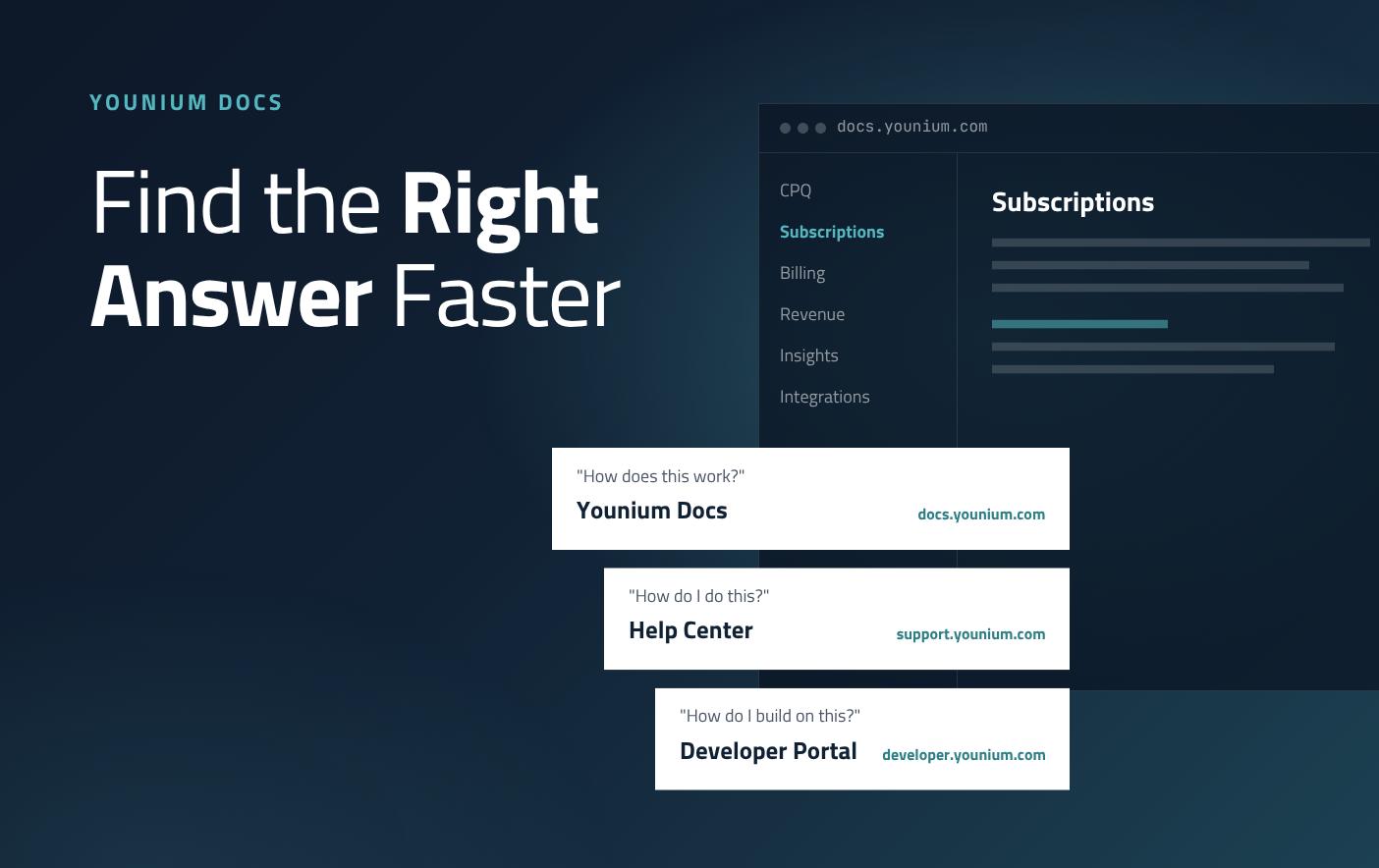
We've launched Younium Docs, a new product reference for the whole Younium platform.
That means Younium customers now have three places to find answers: Younium Docs, the Help Center and the Developer Portal.
Each one is built for a different kind of question. This guide explains what you'll find in each resource and gives you a simple rule for knowing which page to turn to, so you get to the right answer faster.
What is Younium Docs?
Younium Docs is the product and integration reference for the Younium platform. It explains what each part of Younium does, how it behaves and what you can configure.
Docs covers every product area, from CPQ and Billing, to the Younium MCP Server and Integrations.
Use it when you want to understand a feature in depth: how settings affect behavior, how one area connects to another, or what an integration does before you set it up.
Younium Docs vs Help Center vs Developer Portal
Here's how the three Younium resources compare at a glance.
| Younium Docs | Help Center | Developer Portal | |
| Use it to... | Understand how a feature or integration works | Get step-by-step help or contact support | Build integrations on the Younium API |
| You'll find... | Product and integration reference: behavior, settings, how areas connect | How-to guides, training videos, reporting help, release notes, support requests | API tokens and credentials, API resources, webhooks |
| Best for | Admins, finance and ops teams, implementation partners | All Younium users | Developers and technical teams |
| Go to |
When to use each Younium resource
Younium Docs: understand how Younium works
Go to Younium Docs when you need to know how a feature or integration behaves. It's the reference for what each setting does and how product areas like CPQ, Subscriptions and Billing connect.
Docs is built for admins, finance and ops teams, and implementation partners who configure Younium and need to understand the impact of their choices.
Help Center: get step-by-step help or contact support
Go to the Younium Help Center when you want to get a task done or need a hand. You'll find how-to guides, training videos, reporting help and release notes. The Help Center is also where you submit support requests.
It's for every Younium user, whatever your role.
Developer Portal: build on the Younium API
Go to the Younium Developer Portal when you're building an integration. You'll find API tokens and credentials, API resources and webhooks.
The Developer Portal is built for developers and technical teams connecting Younium to other systems.
A simple rule for finding the right page
Start with the question you're asking:
-
"How does this work?" Use Younium Docs.
-
"How do I do this?" or "I need help." Use the Help Center.
-
"How do I build on this?" Use the Developer Portal.
Younium Docs works with your AI tools
Every page in Younium Docs is also available as Markdown, and there's an llms.txt index for the whole site. That means AI assistants and agents can read the documentation directly.
If you use an AI assistant at work, point it to Younium Docs and it can answer questions about how Younium works using the same reference your team uses. It's also useful context when you connect AI tools to Younium through the MCP Server.